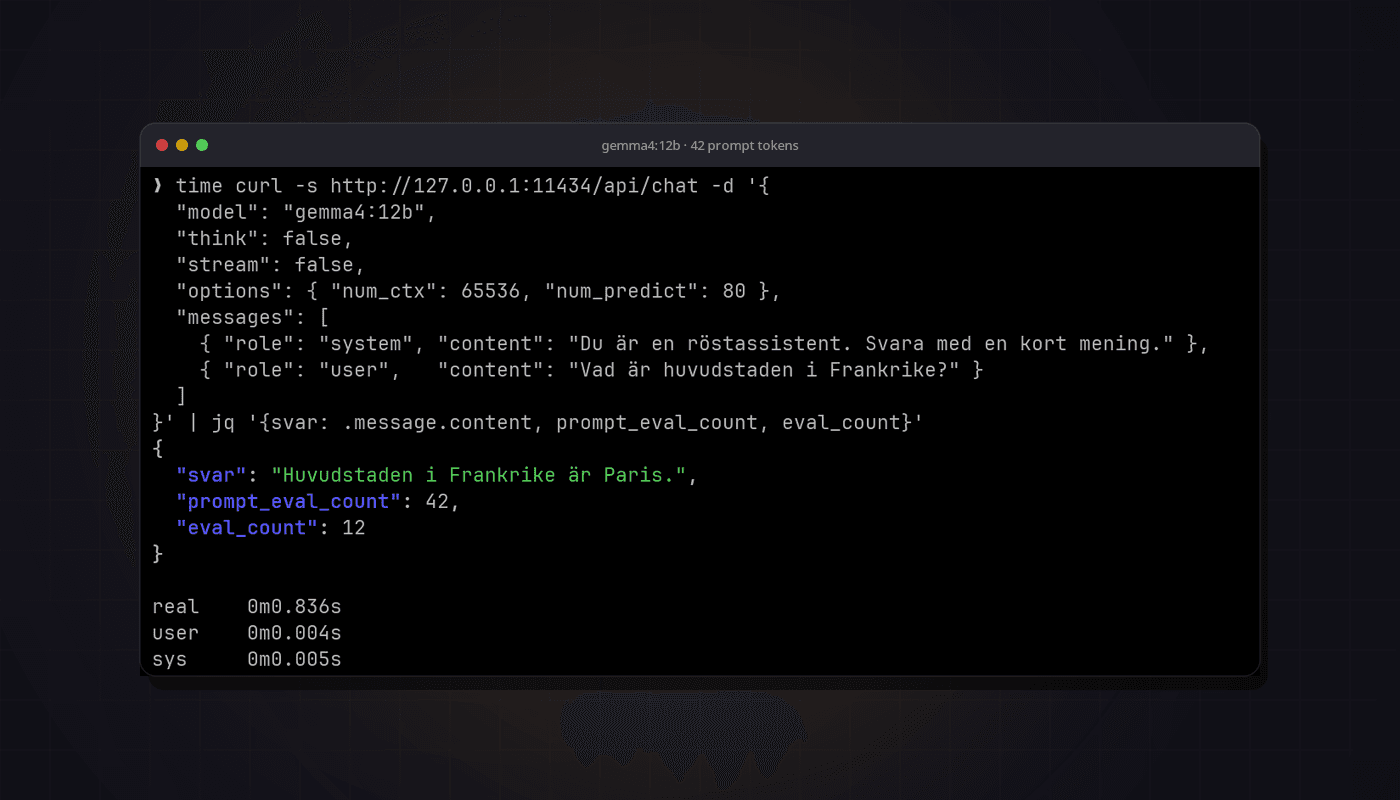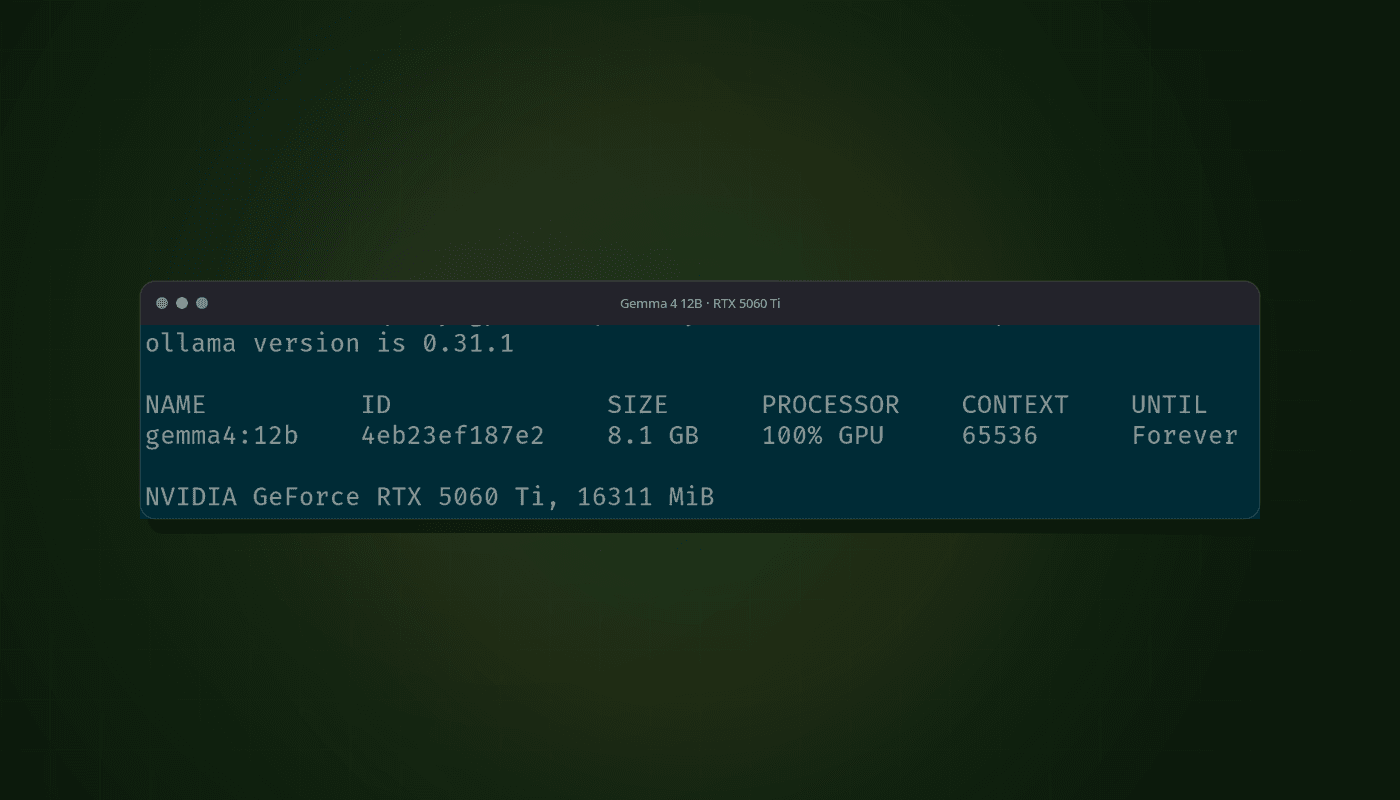
When AI agents like Claude Code and Codex became part of my everyday work, the workload changed shape. I'm no longer the one writing most of the code. Instead I sit with three, four, sometimes five agents running at once across different projects, and the new job is keeping track of them. Who's working? Who's done? And most importantly: who is sitting there waiting for me to approve something?
That last one is what got me thinking about a solution. An idle agent does no good. If you only notice it after a while, you have paid for waiting time on a question that took a few seconds to answer. Multiply that by the number of sessions and a full workday, and that is the real cost of working with agents in parallel.
Tmux holds the threads, but gives no overview
My base setup has long been tmux. Every client and project gets its own session, the agents run in their windows, and everything survives the terminal closing. It works as the foundation of my infrastructure. What was missing was the overview. Tmux can list sessions, but it says nothing about what's happening inside them. To know whether Claude or Codex in client project A needed me, I had to switch there and look. Then project B. Then back again.
I tried keeping everything in visible split panes instead, but with more than two projects it becomes an armada of small panes that nobody can keep an overview of. The mental load also increased drastically with that setup, to the point where I could be mentally tired by lunch. What I wanted was something like Raycast: hit a shortcut, see all sessions with status, switch to the right place or act directly from there.
So I built it.
Norns Companion: a tool for sessions and agents
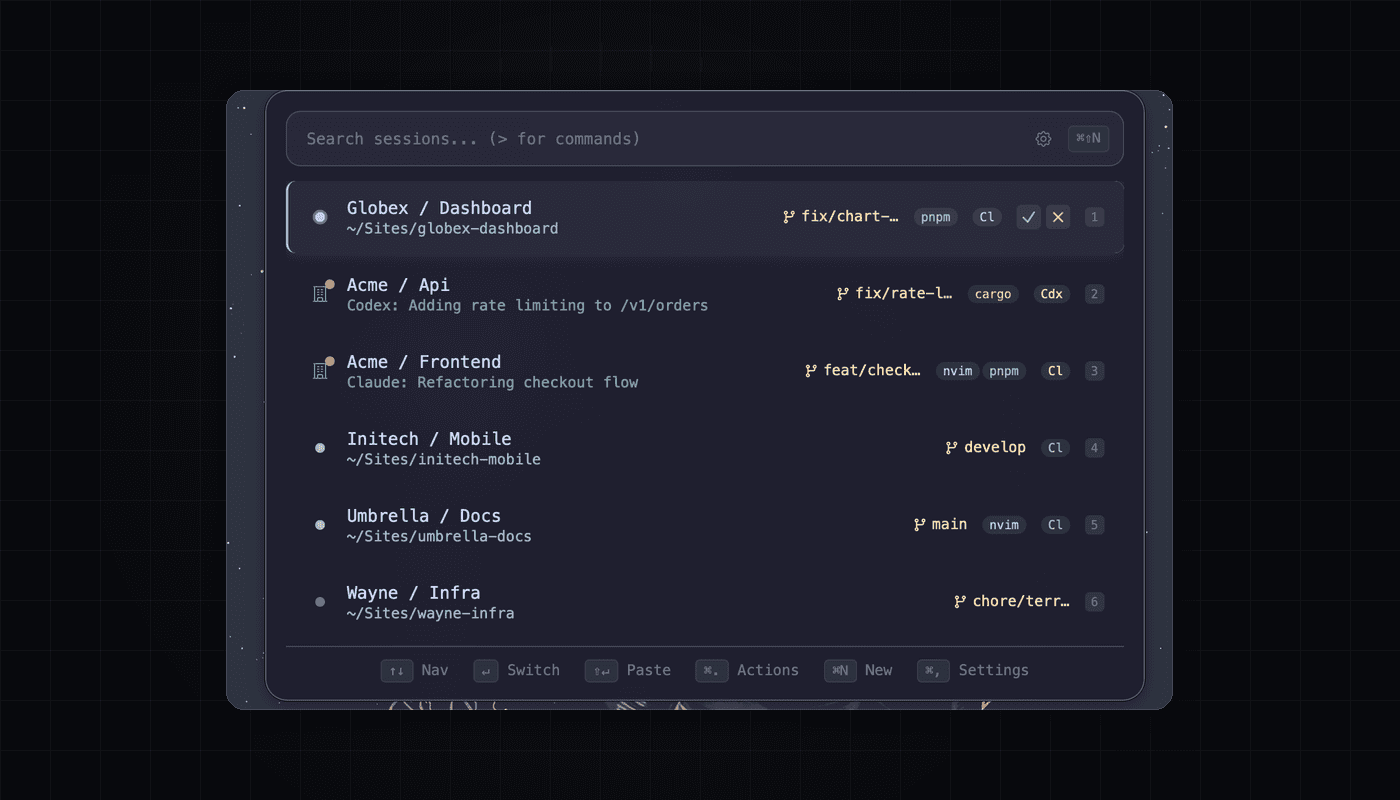
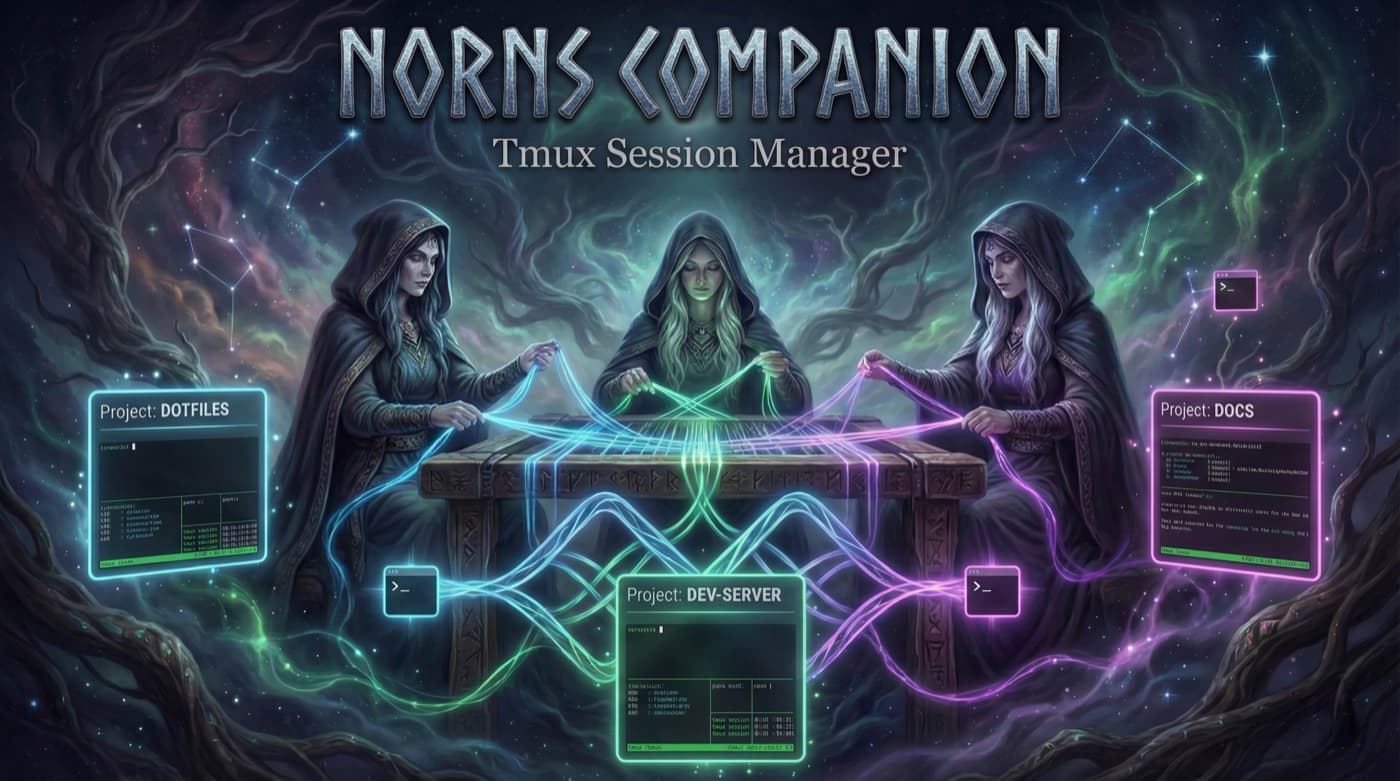
Norns Companion is a small macOS app that sits as a switcher on top of tmux. A global shortcut opens it, a search box filters the sessions and a keystroke switches context. The name comes from the Norns of Norse mythology, the ones who spin the threads of fate. It felt fitting for a tool whose entire job is to hold many threads at once.
Sessions follow a simple naming convention, norn-client-project, and are shown grouped by client with git branch, active processes and colored activity badges. The fuzzy search matches names, paths and window names alike, and sessions I use often float to the top of the list.
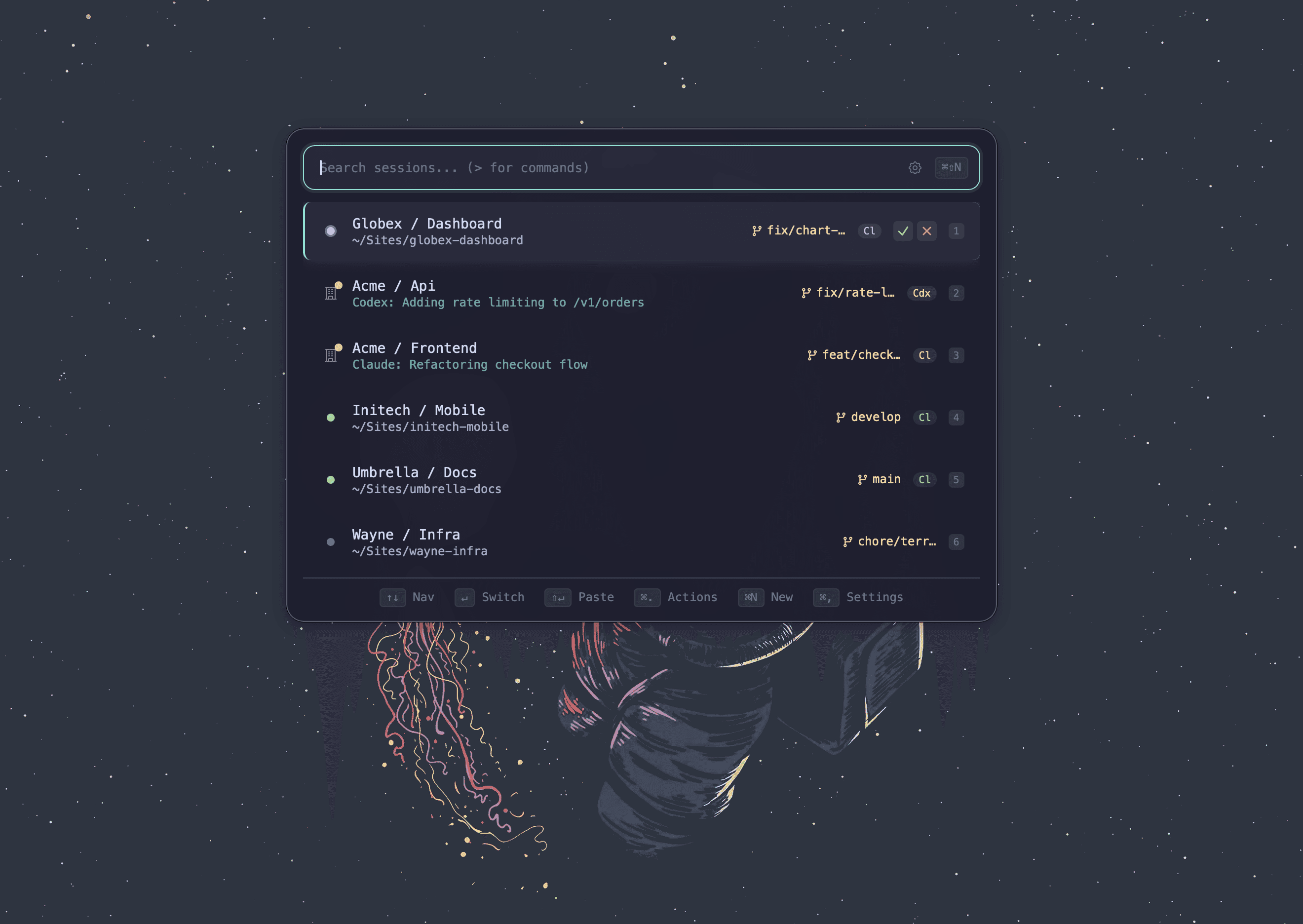
But the core, and the reason the app exists, is the agent status.
Agent status: see who's waiting, approve without switching
Every session shows what its agent is doing right now: working, needs input or done. Technically it works through the agents' hooks writing small status files that the app reads, so it makes no difference whether Claude Code or Codex is running.
It changes the rhythm of work in three ways:
Sessions waiting for input automatically bubble to the top of the list. I don't have to look for them, they come to me.
I can approve a pending request straight from the switcher, without switching sessions. The question is shown, I hit a shortcut, the agent carries on and I stay where I was. Most approvals are exactly that trivial, and don't deserve a context switch.
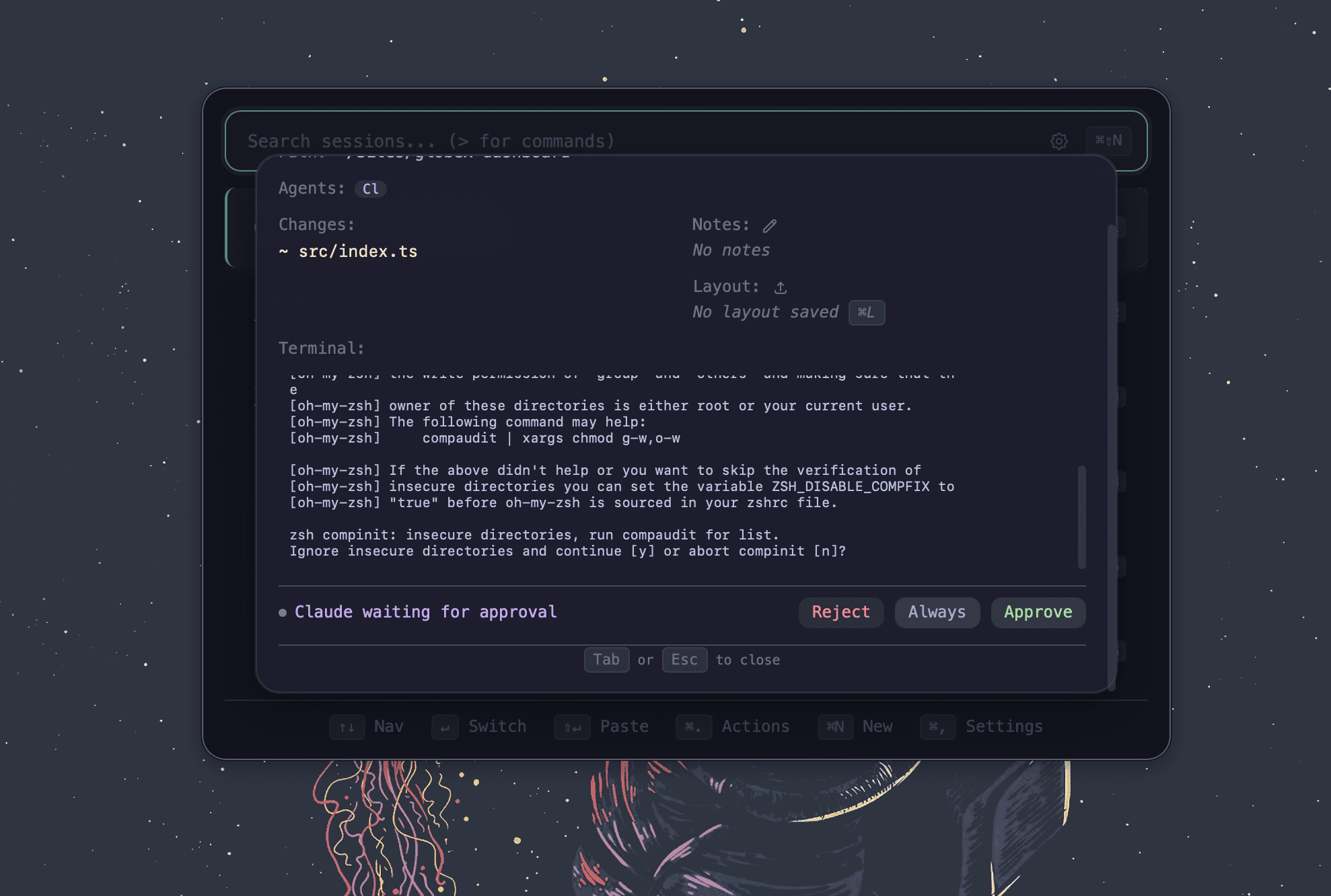
Desktop notifications tell me when an agent finishes or gets stuck, so I can focus fully on my own work without checking in every five minutes.
The result is that the waiting times have nearly disappeared. The agents no longer stand around stalled because I didn't see the question.
The rest of the toolbox
Once the foundation was in place, the app grew with daily needs. A status pane can fold out as a tmux split, showing git status, nested repos, active plugins and ports for the session. DDEV projects get their own status dot with start and stop controls, which earns its keep in web projects. Templates with variables mean a new client session with the right folder structure and windows is up in seconds, and layout snapshots save entire pane arrangements so they can be recreated after a reboot.
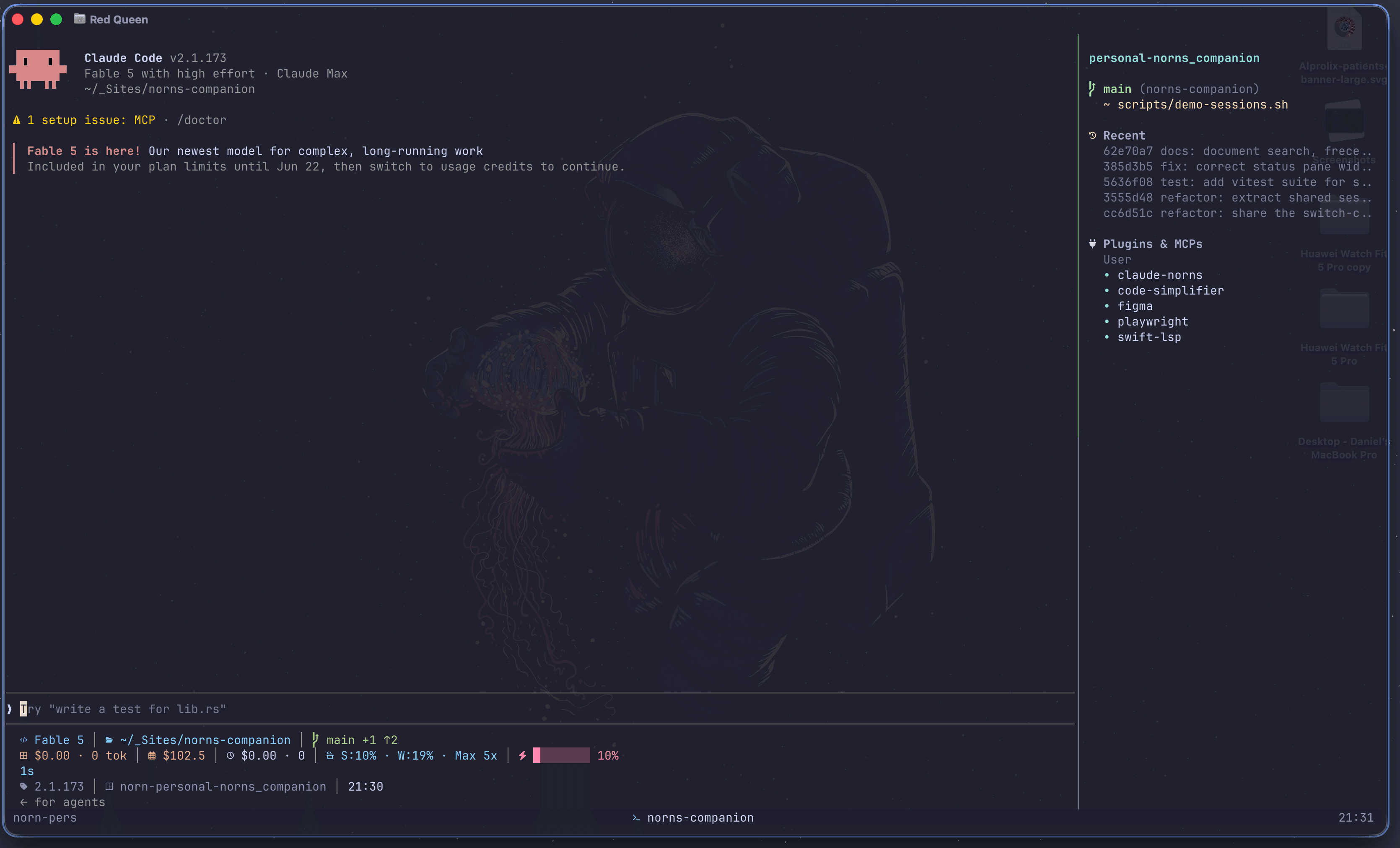
None of this is especially new on its own. The point is the collection: everything I need to know about my parallel workspaces is in one place, one shortcut away.
There are of course more features I've chosen not to mention, because it feels like every tool has many of these features.
What parallel agent work has taught me
The biggest thing I've taken with me is that AI development and working on many projects in parallel has a ceiling, and that ceiling is not set by the computer but by my attention. Three agents with a good overview beat five agents without one. Without status and notifications, more sessions just means more places where work sits still without me knowing.
The second is that approvals are the real bottleneck in agent work. The model works fast, I respond slowly. Anything that shortens the path between the agent's question and my answer pays off immediately, and that was worth building an entire tool for.
The third is more personal: building my own tools is still fun. The app is built with Tauri, Svelte and Rust, largely with the help of the very agents it exists to keep track of. There's something special about a tool that helps build itself.
What happens next
Norns Companion has been in daily use here for several months and has grown along with the way I work. Next on the list is code signing, so the app can perhaps be released publicly in the future. Until then: if you have questions about the setup, or are thinking about something similar for your own workflow, get in touch.