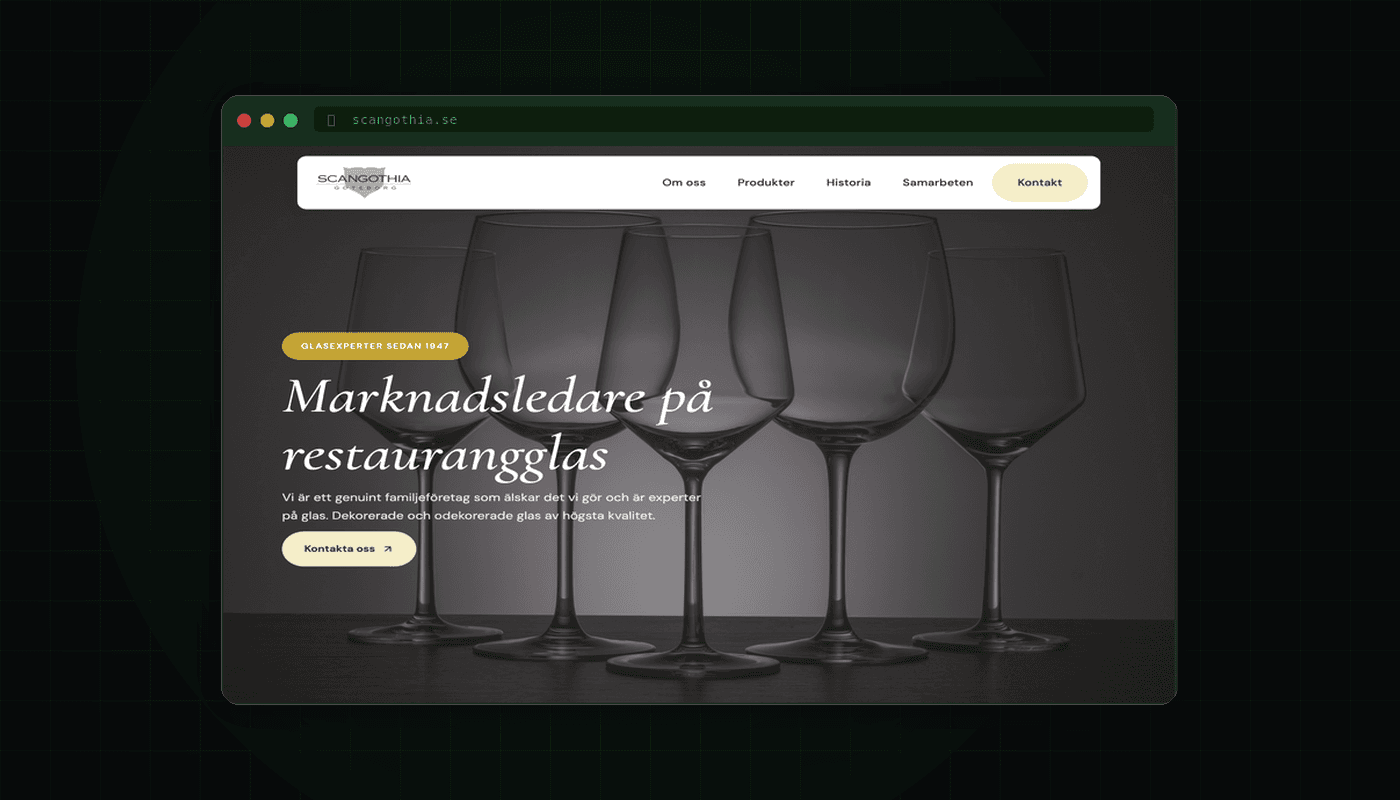
AI tools have gone from curiosity to everyday tools for many web developers. But it is not about pressing a button and getting a finished site. It is about knowing where in the process AI actually saves time, and where you still need to think for yourself. Here is how I use AI in WordPress projects.
Planning: from brief to structure
The first step in any WordPress project is understanding what the client needs. This is where AI can remove a lot of slow blank-page work. When I worked on modernizing scangothia.se, a WordPress site that had not been updated since 2017, I started by describing the client's business and requirements to Claude Code. After a short iteration, I had a page structure with suggested sections, content hierarchy and the components needed.
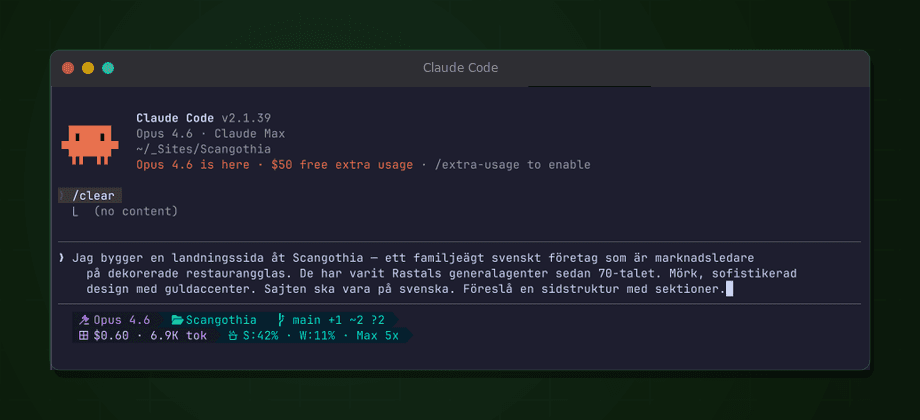
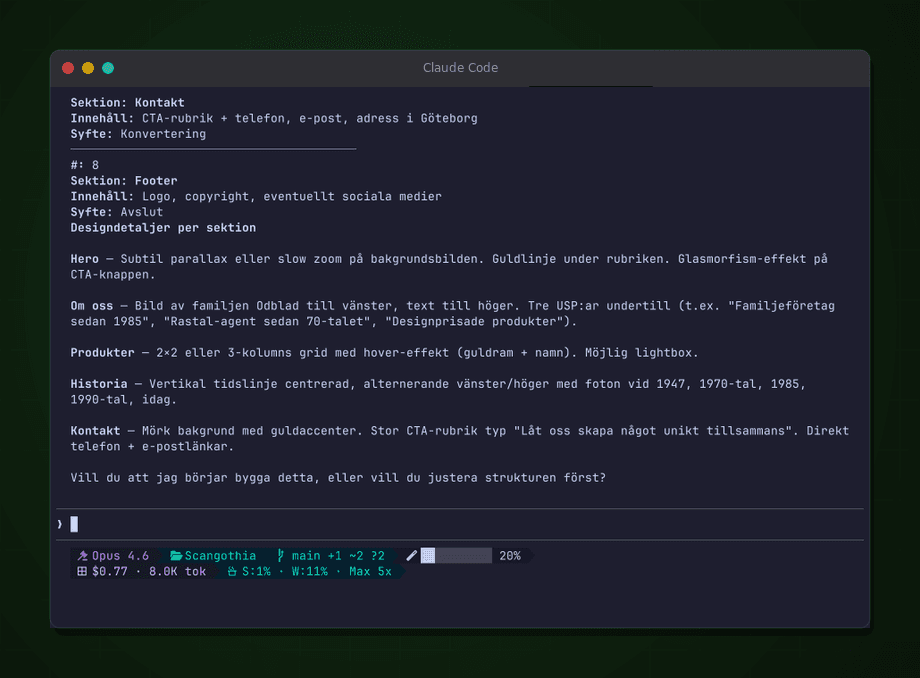
The result was not a finished specification, but a solid starting point to iterate on. What previously required a couple of planning meetings took a fraction of the time, including an initial design proposal the client could react to right away.
Code generation: faster theme development
This is where AI makes the biggest difference in my process. For the ScanGothia project, I built a custom WordPress theme from scratch with Claude Code. Instead of buying a ready-made theme and adapting it, I described the design I wanted, together with the color palette the client liked, and the AI generated component after component: hero section, catalog view with image uploads, subpages with proper typography, and a responsive menu structure.
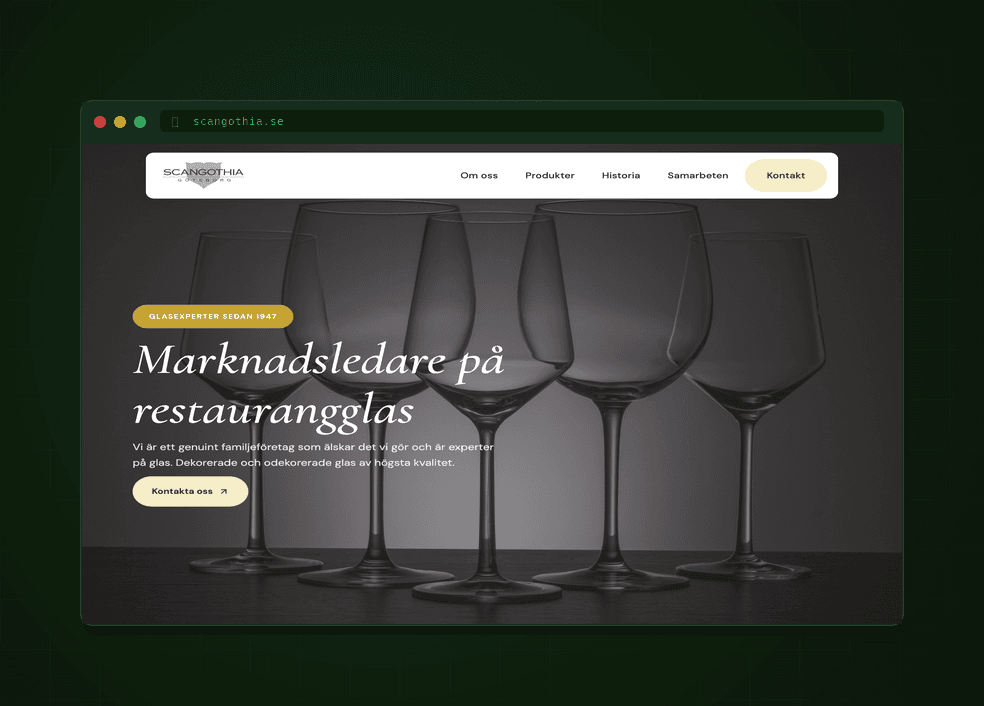
The frontend work, from component building to section balancing, took roughly half the time compared to traditional development. I still needed to adjust spacing, edge cases, and make sure everything matched WordPress theme structure, but the groundwork went fast.
Important: I never copy AI-generated code straight into production. Every snippet is reviewed, tested, and adapted. The AI generates a starting point, not the final product.
Content production: text that actually sounds human
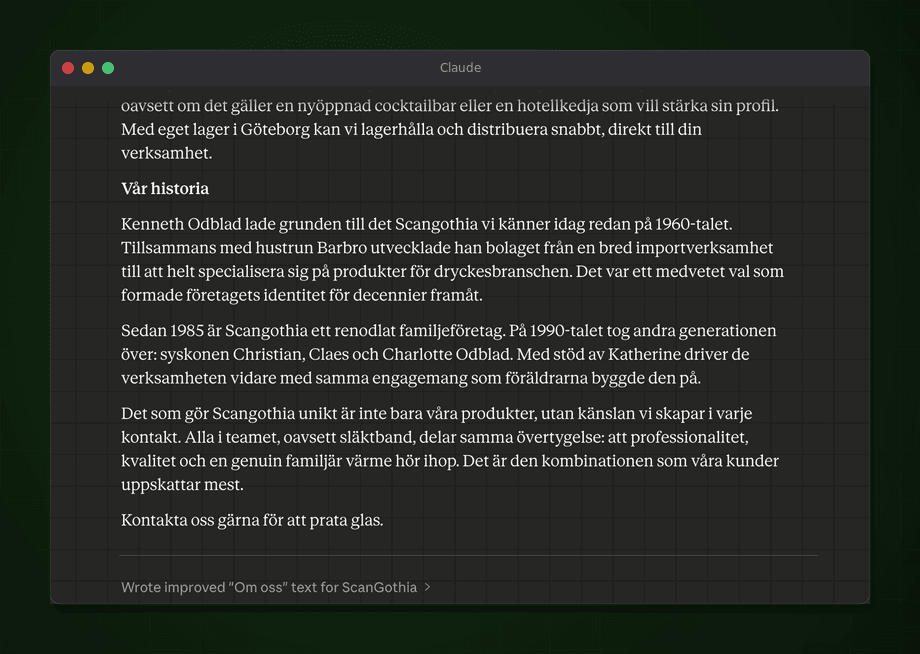
Many small business owners struggle to produce text for their new site. "Write an about page" can become a project that delays the entire launch. AI can help here by generating drafts based on short conversations with the client.
I use a two-step process. First, I interview the client with a few questions: what do you do, who are your customers, what sets you apart from competitors, what tone do you want? Then I feed the answers to an AI and ask for a draft per page. The client edits and approves, and the result is site copy that sounds more like them than a blank AI guess would.
The same method works for WooCommerce product descriptions. Give the AI a product image and basic data, and you get a description that can then be fine-tuned. With hundreds of products, this method can remove a large part of the repetitive writing.
SEO: metadata and structure without guesswork
Writing good meta titles and descriptions for every page is tedious but important. AI is useful for this kind of repetitive task. I give it the page content and ask for an SEO-optimized title and description within the normal length limits. It often gets close on the first try.
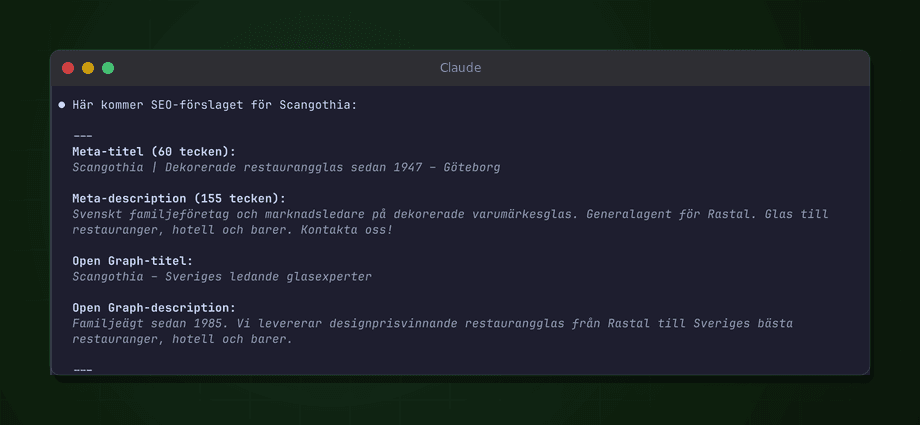
I also use AI to analyze page structure from an SEO perspective: are there missing H2 headings, is the hierarchy logical, do all images have alt text? It does not replace tools like Yoast or RankMath, but it gives you a quick second opinion before the site goes live.
Debugging: the most patient colleague
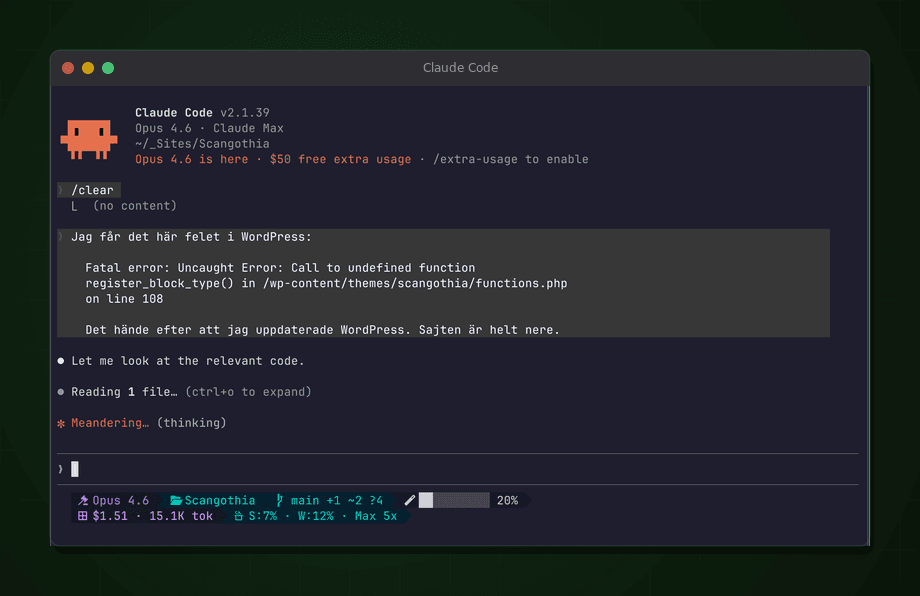
Every WordPress developer has stared at a white screen, a strange PHP error, or a WooCommerce hook that will not fire. Traditionally, you would Google it, read a handful of StackOverflow threads, and test until it works. With AI, you can instead paste the error message, explain the context, and get targeted suggestions quickly.
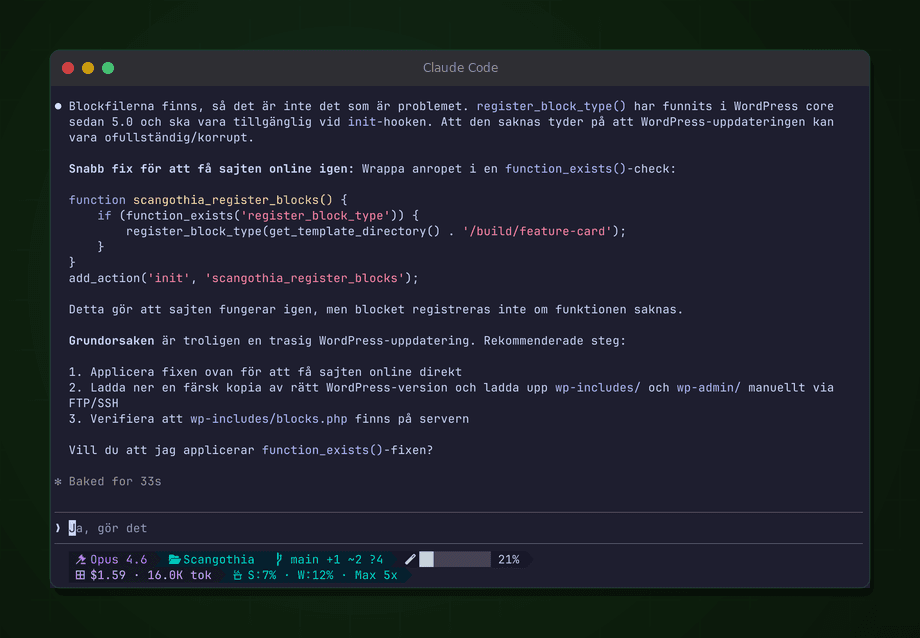
This works especially well for plugin conflicts. Describe the symptoms: "the checkout page shows a 500 error only when Klarna is active and the cart has more than three products" and the AI can often point you toward the cause faster than manual debugging.
AI does not replace a skilled WordPress developer. But it can make a skilled developer faster and more consistent. It is closer to having an experienced colleague to bounce ideas off than to having an autopilot.
Where do you draw the line?
There are things AI should not decide in a WordPress project. Security-critical questions like what permissions a role should have, how payment data is handled, and which endpoints are exposed require human judgment. The same goes for architectural choices that affect long-term scalability and maintainability.
I think of AI as a junior developer with broad knowledge but no judgment. It knows how to do things, but not always whether you should do them. Your job as a developer or client is to steer, review, and make the final calls.
Want to talk about WordPress and AI? Get in touch.